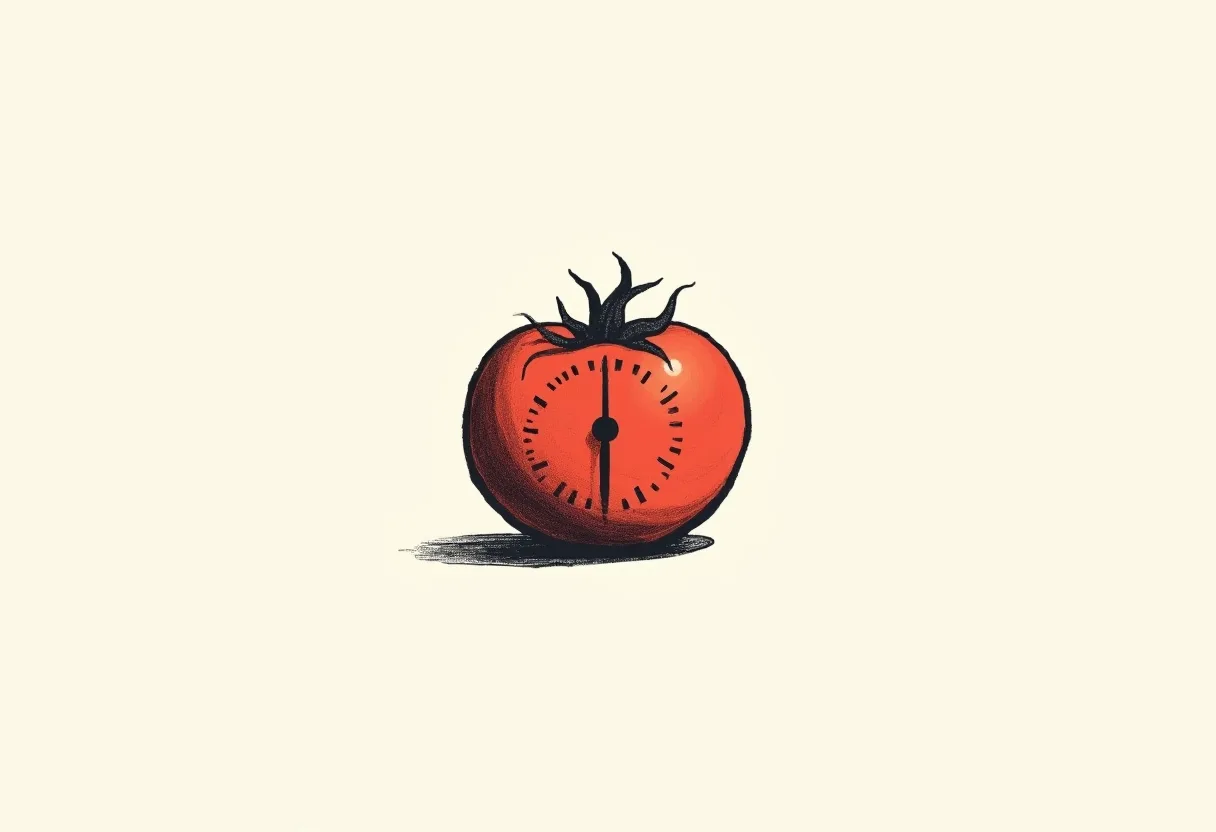
The Pomodoro Technique is a way of working in fixed intervals: twenty-five minutes of focus on a single task, then a five-minute break. After four rounds, you take a longer break. That is the whole method. It is named after the tomato-shaped kitchen timer its inventor used; pomodoro is Italian for tomato.
Its appeal isn’t a clever trick. It’s a constraint. You agree to do one thing, for a set amount of time, and nothing else. The timer, not your willpower, decides when you stop.
Where it came from
Francesco Cirillo devised it as a university student in the late 1980s, overwhelmed and unable to concentrate. He challenged himself to focus for just ten minutes and grabbed the timer nearest to hand, a wind-up tomato. The method grew from there, but the timer stayed the point. It was never an app or a system. It was a promise you made to a piece of plastic on your desk.
How the Pomodoro Technique works
The loop is short enough to hold in your head:
- Pick one task. Not a list, one.
- Set a timer for 25 minutes.
- Work on only that task until it rings. If something else occurs to you, write it down and keep going.
- When it rings, stop and take a 5-minute break. Actually leave the work.
- Every four rounds, take a longer break of 15 to 30 minutes.
The numbers are a default, not a rule. Twenty-five and five suit shallow, interruptible work. Longer stretches like 50/10 or 90/15 suit writing, coding, or anything you need to sink into. The structure matters more than the exact minutes.
Why it works
Three plain reasons, no neuroscience required.
- One task at a time. Most lost time isn’t laziness, it’s switching. The technique makes single-tasking the default and task-switching a rule you have to break on purpose.
- A deadline you can see. A ticking timer creates just enough urgency to start, and starting is the hard part.
- Breaks before you need them. Attention fades before you notice it fading. A scheduled break protects the next interval instead of rewarding the last one.
Why you should keep it simple
Here’s the part most tools get wrong. The Pomodoro Technique works by subtraction. It removes everything from your desk except one task and one timer. Then productivity apps add it all back.
A timer you have to manage is a distraction wearing a productivity costume.
Open a typical pomodoro app and you’ll find project boards, tags, streaks, a gamified forest that dies if you quit, a site blocker, a to-do backlog, a music library with its own playlists to curate, and a dashboard reporting how many tomatoes you earned this week. Each feature is one more thing to configure, check, and tend. One more place to fiddle instead of work. The tool meant to protect your attention becomes another thing competing for it.
The irony is exact: a method whose entire value is removing distraction gets sold to you wrapped in distraction. The more a pomodoro tool asks of you, the further it drifts from the thing that made the technique work in the first place.
So keep the surface area near zero. You want a timer you can start without thinking and forget while you work, not a productivity system to maintain on top of the work you were already avoiding.
A minimal setup
You need two things: a timer, and one task written down where you can see it. That’s the entire kit. No account, no configuration, no tour to click through.
If you want to try it right now, the Passata web timer runs in your browser with nothing to install. If it sticks, the extension makes it your new tab, so the timer is there every time you open one. Still free, still no account, still just the countdown.
Common questions
How long is a pomodoro?
A classic pomodoro is 25 minutes of focused work followed by a 5-minute break. After four, you take a longer break of 15 to 30 minutes. The numbers are a starting point; 50/10 and 90/15 work well for deeper tasks.
How many pomodoros should I do in a day?
There is no target, and chasing one recreates the pressure the breaks exist to relieve. A handful of genuinely focused intervals beats a full day of half-attention.
Is the Pomodoro Technique good for studying?
Yes. A fixed interval on a single subject, with a real break before fatigue sets in, suits reading and problem sets particularly well.
Does it help if I struggle to start tasks?
Often. "Just 25 minutes on this one thing" is a small, concrete commitment, and an external timer carries the effort of watching the clock so you do not have to.
Is the Pomodoro Technique the same as deep work?
No, but they are not opposites. Longer intervals leave room for flow; the technique is just the scaffolding that gets you into the work and reminds you to come up for air.
The Pomodoro Technique has survived thirty years and a thousand feature-stuffed apps for one reason: at its core it is almost nothing. A task, a timer, a break. Keep it that way and it keeps working.